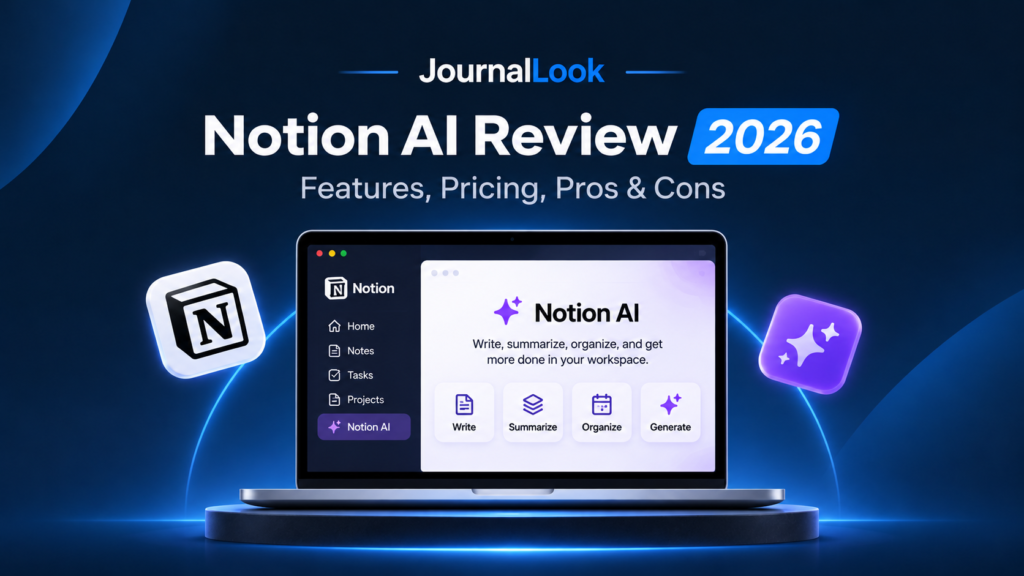
JOURNALLOOK / AI REVIEWS / 2026
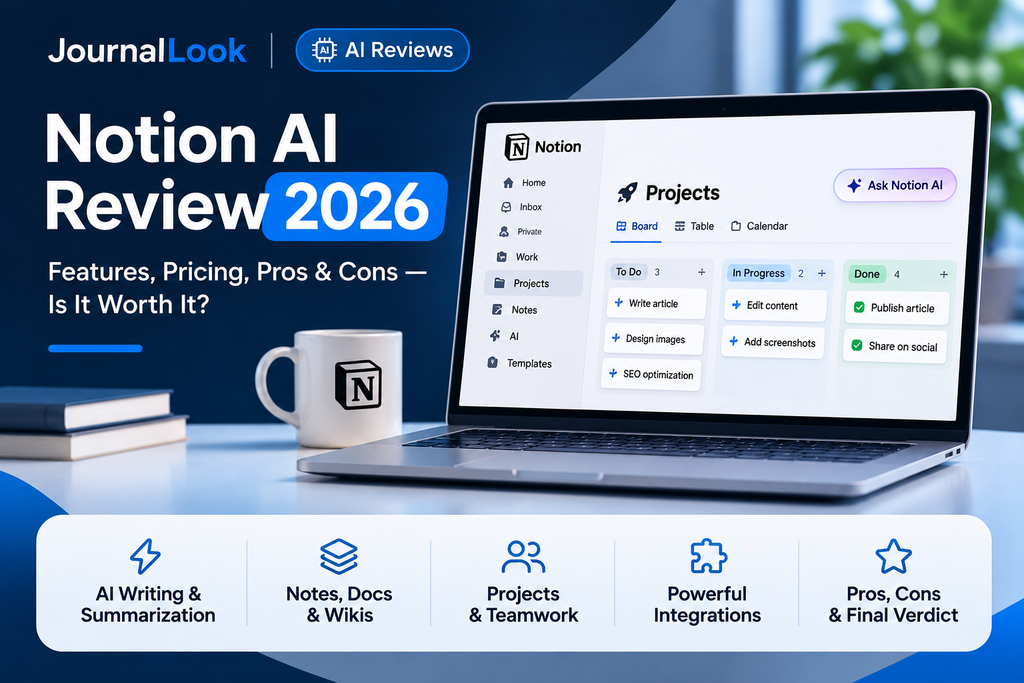
Notion AI Review 2026
Features, Pricing, Pros & Cons — Is It Worth It?
An independent editorial review of Notion AI for writing, workspace search, notes, projects, and everyday productivity.
Updated: November 2026. Notion AI brings artificial intelligence into a workspace built for documents, project planning, databases, and shared knowledge. Rather than asking you to move every task into a separate chatbot, it tries to make the information already in your workspace more useful. That is its clearest advantage—and the main reason its value depends on how much you already use Notion.
In this JournalLook review, we examine Notion AI as a single product: its writing assistance, workspace search, meeting notes, agents, databases, pricing, limitations, and ideal users. This is a documentation-based editorial assessment, not a claim that we independently benchmarked every feature. Features and entitlements may change.
Quick Verdict
Notion AI is most compelling for people who already use Notion to organize notes, documents, projects, and team knowledge. Its biggest advantage is bringing writing assistance and AI-powered information retrieval into the workspace where that information already lives. It can help summarize pages, refine drafts, and make existing knowledge easier to use without constantly switching apps.
What holds it back: AI capabilities and usage allowances depend on the plan, generated answers still need checking, and the value is harder to justify if you rarely use Notion. Our verdict: Try the AI features available on your account first; consider an upgrade only if they meaningfully improve your regular workflow.
Notion AI at a Glance
| Product | Notion AI |
| Developer | Notion Labs |
| Category | AI workspace and productivity assistant |
| Core strengths | Writing, workspace search, meeting notes, databases, task assistance |
| Free access | Limited trial responses on Free and Plus |
| Fuller AI access | Business and Enterprise plans, subject to limits and credits |
| Official website | notion.com/product/ai |
What Is Notion AI?
Notion is a connected workspace where teams and individuals create pages, documents, wikis, task lists, and databases. Notion AI is the intelligence layer inside that environment. It can draft and revise content, answer questions using available workspace context, support database work, and—on eligible plans—help with meetings and more complex workflows.
The practical difference is context. A general-purpose assistant often begins with the prompt you type. Notion AI can draw on information already organized in the workspace and, where permitted and configured, connected applications. This can reduce repetitive copying between tools. However, the quality of its output still depends on the quality, completeness, and permissions of the underlying information.
Key Notion AI Features Reviewed
1. AI Writing and Editing
Notion AI can help turn rough notes into a draft, rephrase awkward sentences, summarize a page, or translate content. This is particularly useful when your starting material is already in a Notion document. A project manager might turn meeting notes into a status update; a student might reorganize lecture notes into a revision outline; a creator might transform brainstorming bullets into a content brief.
The limitation is familiar: polished language does not guarantee accurate facts. A summary can omit qualifications, and a rewrite can alter meaning. Check important details against the original document before publishing or sharing.
2. Notion Agent and Task Assistance
Notion Agent is designed to go beyond a single answer by helping create or modify pages and databases using context from the workspace. That makes it potentially useful for preparing structured project materials, organizing information, and carrying out multi-step tasks. Agent behavior, model selection, credits, and availability depend on plan and current product settings.
For anything consequential, treat agent actions as drafts requiring review. Define the task clearly, restrict access appropriately, and verify the result before colleagues depend on it.
3. Enterprise Search and Connectors
Finding a decision buried in months of notes can be more valuable than generating another document. Enterprise Search can answer questions across permitted Notion content and supported connected tools. The goal is to find relevant information without opening every page manually.
Search results are only as trustworthy as the source documents. Outdated pages, missing permissions, or disconnected apps can produce incomplete answers. Teams should maintain their knowledge base, not assume AI search replaces information governance.
4. AI Meeting Notes
AI Meeting Notes can transcribe discussions and surface summaries, decisions, and action items. For teams with frequent meetings, this may reduce manual note-taking and make follow-ups easier to find later. According to Notion’s documentation, this feature generally requires Business or Enterprise access, with certain eligible exceptions.
Recording meetings creates privacy and consent responsibilities. Confirm the participants’ expectations and applicable rules, check transcript accuracy, and review assigned action items before distributing them.
5. Database Autofill and Structured Work
Notion databases are useful for content calendars, customer research, project backlogs, and task tracking. AI-assisted autofill and related features can help populate properties or organize information. This is compelling when the output is part of a repeatable process rather than a one-off answer.
Do not let an AI-generated label become an unreviewed business decision. Test the output on a small set of records first, especially if categories or priorities influence reporting.
6. Research Mode and Connected Knowledge
Notion describes research capabilities that can synthesize information from available sources and create reports. This can be useful for a first-pass research brief, particularly when internal project context matters. Availability may vary by plan and rollout status. Verify quotations, numbers, and references before treating the report as authoritative.
Notion AI Pricing in 2026
Notion prices the workspace and its AI capabilities together, with different entitlements by plan. The official US pricing page currently lists Free at $0 per member per month, Plus at $10 per member per month, Business at $20 per member per month when the yearly pricing option is selected, and Enterprise with custom pricing. Monthly billing can differ. Free and Plus include a limited AI trial; fuller Notion AI functionality is associated with Business and Enterprise. Certain agent workflows and model choices can involve additional Notion credits.
Pricing advice: Check the official Notion pricing page immediately before subscribing. Confirm billing frequency, AI usage allowances, seat count, and any credit-based charges. A quoted per-member price is not the same as a flat team subscription.
Notion AI Pros and Cons
Pros
- Works where your content already lives. Less need to copy notes into a separate assistant.
- Useful combination of tools. Writing, search, meeting notes, and databases support different parts of a workflow.
- Context-aware potential. Connected workspace information can make answers more relevant.
- Team-oriented organization. Pages, permissions, and shared knowledge can be maintained in one place.
- Flexible workflows. Supports individual notes as well as structured team processes.
Cons
- Cost rises with team size. Business-level pricing is charged per member.
- Not every AI feature is on the free plan. Free and Plus users receive limited trials.
- Setup matters. Disorganized workspaces reduce the value of AI search and agents.
- Accuracy still requires review. Summaries, classifications, and generated content may be wrong.
- Complexity and governance. Credits, permissions, connectors, and meeting consent require attention.
Who Should Use Notion AI?
Students and Researchers
Students who already manage notes and assignments in Notion may benefit from summarizing their own material and organizing revision plans. However, paid AI access may not be worth it if their needs are limited to occasional questions. Follow academic integrity policies and verify citations independently.
Freelancers and Creators
Freelancers can use Notion for briefs, editorial calendars, project checklists, and client handoffs. AI may accelerate draft outlines or status summaries. It is most useful when those workflows are repeated frequently enough to justify the cost.
Small Businesses
A small business with shared procedures, projects, and meetings may find more value in search and structured task support than in text generation alone. Before upgrading, estimate the cost for every team member and identify a specific workflow that should improve.
Larger Teams
Teams with distributed knowledge and frequent meetings are a natural audience for Enterprise Search and meeting summaries. They also need stronger permission design, content ownership, and internal policies for AI-generated actions.
A Practical Workflow: From Meeting to Project Update
- Capture: Record a meeting using an approved note-taking workflow and obtain any necessary consent.
- Review: Correct the transcript, decisions, and owners.
- Organize: Add action items to a project database with due dates and responsible people.
- Draft: Ask Notion AI to prepare a concise project update from the verified notes.
- Validate: Confirm every status, deadline, and factual statement before sharing.
- Reuse: Keep the approved update in the workspace so future searches can find it.
Privacy, Security, and Reliability
AI features may process workspace content through model providers and connected services. Organizations should review Notion’s current security documentation, contractual terms, retention settings, and workspace permissions before using sensitive information. Enterprise controls may differ from those of lower-tier plans. Do not assume that an AI assistant’s access is harmless simply because it operates inside a familiar app.
Human review is especially important for financial records, personal information, legal materials, and customer-facing statements. A useful productivity tool is not a substitute for access controls, source verification, or professional judgment.
Is Notion AI Worth It in 2026?
The answer depends less on whether Notion AI can write a good paragraph and more on whether your work benefits from integrated context. If you already use Notion every day, a capable AI layer can reduce friction across documentation, planning, meetings, and search. If you barely use Notion, buying a more expensive workspace mainly to access AI may be unnecessary.
JournalLook final verdict: Notion AI is most compelling as an integrated workspace assistant for people and teams with organized information inside Notion. Start with the limited trial, measure time saved on a real recurring workflow, and upgrade only if the benefits justify the per-seat cost.
Frequently Asked Questions
Is Notion AI free?
Notion offers a limited AI trial on Free and Plus plans. Fuller AI access is associated with Business and Enterprise, subject to the current usage and credit rules.
Does Notion AI replace ChatGPT?
Not necessarily. Notion AI is designed around workspace context and actions inside Notion. Whether it replaces another assistant depends on the tasks you perform and the features you need.
Can Notion AI summarize meetings?
Yes, AI Meeting Notes can transcribe and summarize meetings on eligible plans. Check plan access and obtain appropriate consent before recording.
Can Notion AI search Google Drive or Slack?
Supported connectors and Enterprise Search can search connected services when configured and authorized. Availability depends on plan and connector support.
Is Notion AI useful for students?
It can help organize and summarize study material, but students should verify outputs, respect academic rules, and consider whether the paid plan is worthwhile.
Is Notion AI accurate?
It can be helpful but can still misunderstand sources or generate incorrect statements. Verify important details against original documents.
How much does Notion AI cost?
Notion AI entitlements depend on the workspace plan. Check the current pricing page for per-member rates, billing frequency, trial limits, and credits.
Official Sources and Editorial Disclosure
- Notion AI — official product overview
- Notion — official pricing
- Notion Help — AI FAQ
- Notion Help — AI Meeting Notes
Editorial disclosure: This is a documentation-based review and does not claim hands-on testing or independent performance benchmarks. Pricing and features are subject to change. The source links are provided for verification and are not presented as affiliate links.